wex5创建我的第一个应用
| 2016.5.17 - 南京 | x5 |
从这里看了创建我的第一个应用,index.w源码是这样
<?xml version="1.0" encoding="utf-8"?>

<div xmlns="http://www.w3.org/1999/xhtml" xid="window" class="window" component="$UI/system/components/justep/window/window"
  design="device:m;">
  <div component="$UI/system/components/justep/model/model" xid="model"/>
  <input component="$UI/system/components/justep/input/input" class="form-control"
    xid="input1" bind-value="name"/>
  <div component="$UI/system/components/justep/output/output" class="x-output"
    xid="output1" bind-text="'hello:' + name.get()"/>
</div>
index.js源码是这样
define(function(require){
  var $ = require("jquery");
  var justep = require("$UI/system/lib/justep");

  var Model = function(){
    this.callParent();
  };

  this.name = justep.Bind.observable("");

  return Model;
});
运行后发现有异常:
Unable to process binding "text: function (){return 'hello:'+ name.get()}"
Message:name.get is not a function;
View: null;
ModuleId: undefined
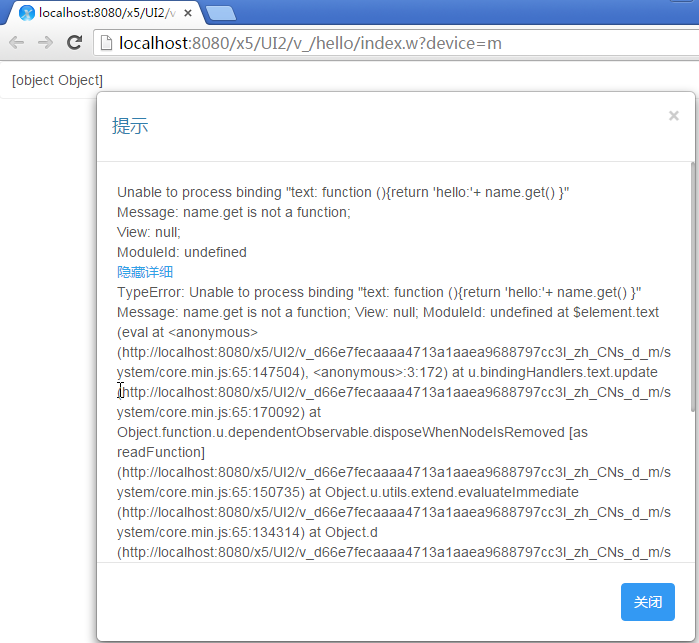
看了视频后,才发现是代码放错了位置,index.js代码应该是这样
define(function(require){
  var $ = require("jquery");
  var justep = require("$UI/system/lib/justep");

  var Model = function(){
    this.callParent();
    this.name = justep.Bind.observable("");
  };

  return Model;
});
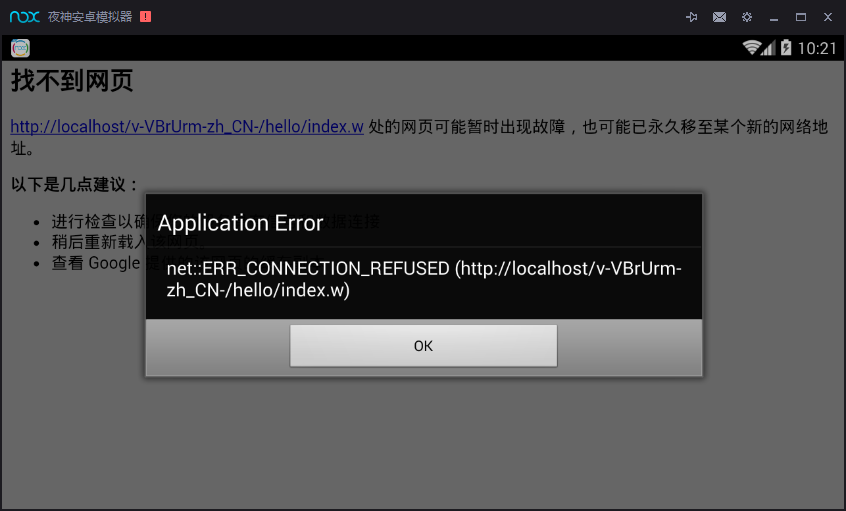
然后就可以在浏览器运行调试了,然,按照视频做了hello的模式1打包之后,安装到夜神模拟器和真机运行又有一个坎
Application Error
net::ERR_CONNECTION_REFUSED(http://localhost/v-VBrUrm-zh_CN-/hello/index.w)
我最后一步是这样显示的
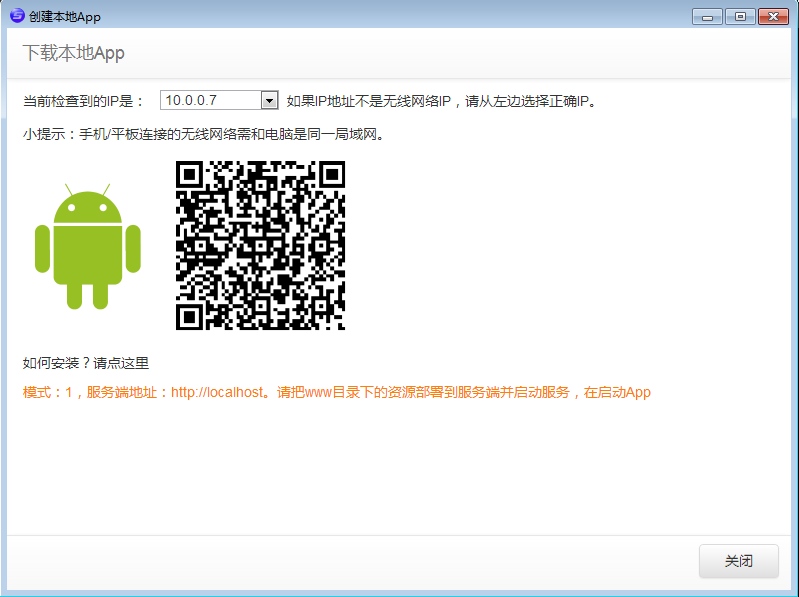
此时,我的config.xml的配置是这样
<content src="index.html"/>
然后我重新建Native项目,把服务器配置填满
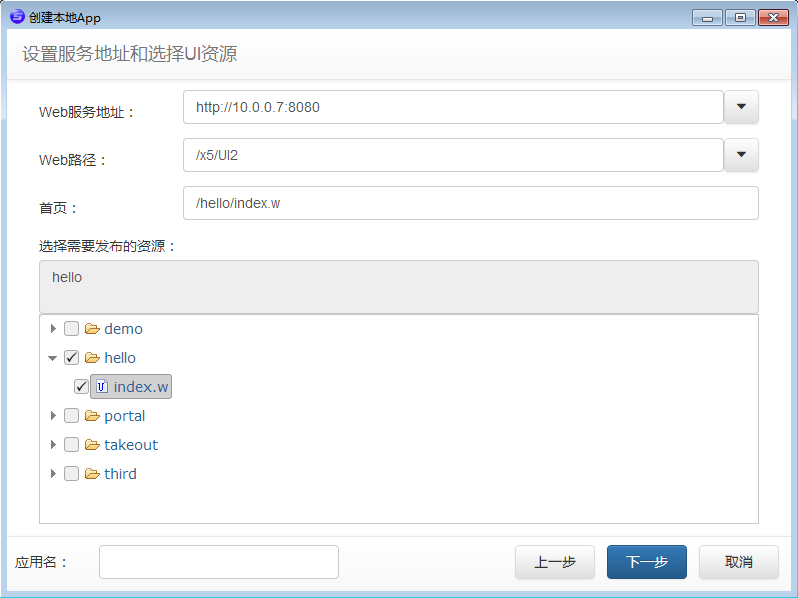
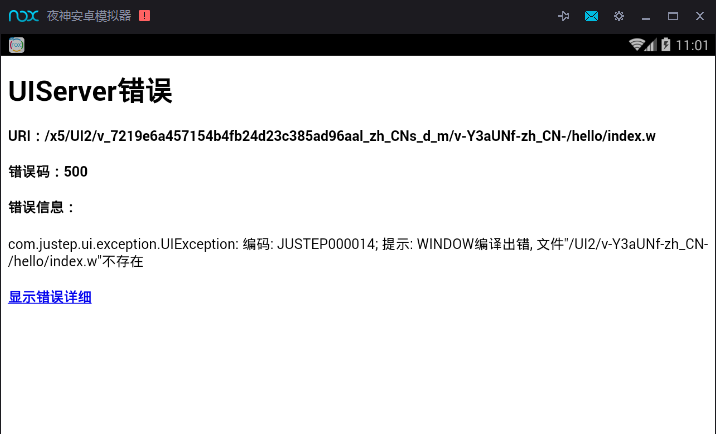
结果运行是这样的
此时,我的config.xml的配置是这样
<content src="http://10.0.0.7:8080/x5/UI2/index.html"/>
而我用浏览器运行/UI2/hello/index.w后地址栏是这样的http://localhost:8080/x5/UI2/v_/hello/index.w?device=m
我用猎神模拟器运行之后后台是这样报提示的
com.justep.ui.exception.UIException: 编码: JUSTEP000014; 提示: WINDOW编译出错, 文件"/UI2/v-Y3aUNf-zh_CN-/hello/index.w"不存在
然后我就右键Native/hello-编译使用到的UI资源,然后有这个文件了/Native/hello/www/x5/UI2/v-2IJjIj-zh_CN-/hello/index.w
然而这并没有什么用,我需要的是访问到这台服务器的/UI2/hello/index.w这个文件,这需求明确之后,我意识到可能我的打包模式错误了,然后我重新右键Native/hello-生成本地App包,发现一个有趣的配置
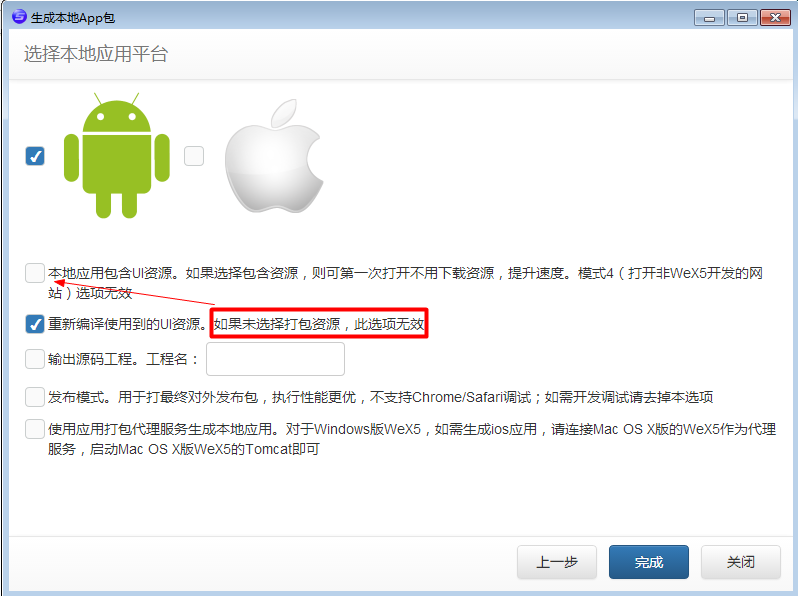
对,你第二项选了,不应该把第一项帮忙选上吗,然而,这不是我关心的问题,我细看了一下,我意识到最后一个选项可能是我的菜:使用应用打包代理服务生成本地应用。对于Windows版WeX5,如需生成ios应用,请连接Mac OS X版的WeX5作为代理服务,启动Mac OS X版WeX5的Tomcat即可,我就把它选上,上面的选项去掉打钩,然后右键Native/hello-生成本地App包,填写应用打包代理服务地址:http://10.0.0.7:8080/app-builder,连接测试,提示连接成功,点完成,正在执行,请稍候……
再用模拟器运行,控制台还是出现
com.justep.ui.exception.UIException: 编码: JUSTEP000014; 提示: WINDOW编译出错, 文件"/UI2/v-2IJjIj-zh_CN-/hello/index.w"不存在
我把
<content src="http://10.0.0.7:8080/x5/UI2/index.html"/>
改为
<content src="http://10.0.0.7:8080/x5/UI2/index.w"/>
再试试看
还是不行,我右键Native/hello-编辑本地App包,选择模式3
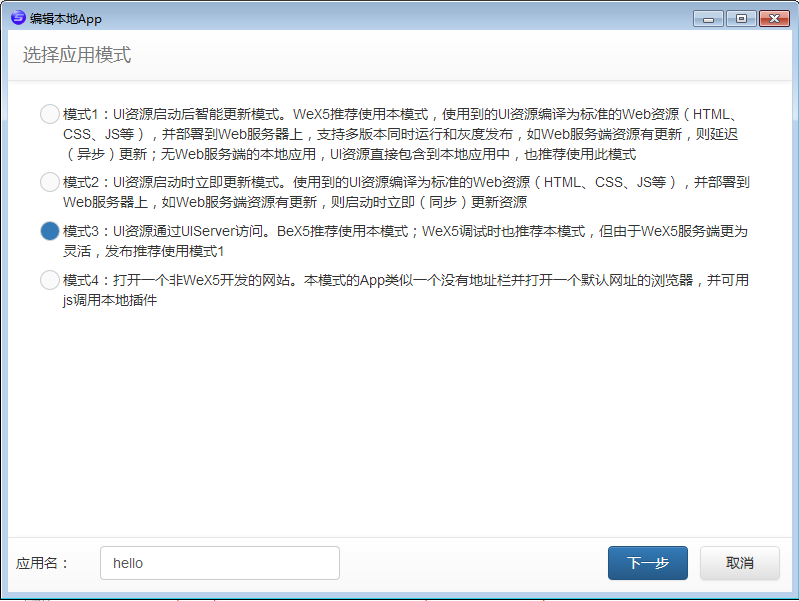
运行正常,无压力
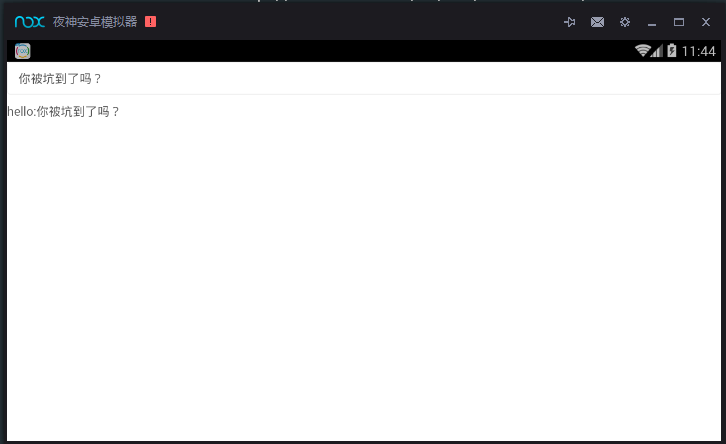
那么理论上我这是每次访问都需要下载服务器的UI资源,本地资源最小化的做法,还有一种方式就是把UI资源包打进APP安装包中,就选模式1和选择本地应用包资源
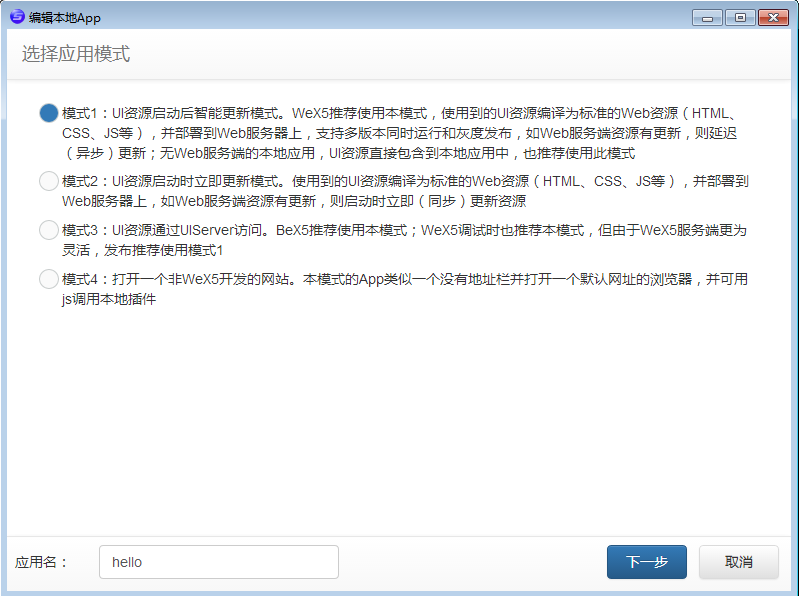
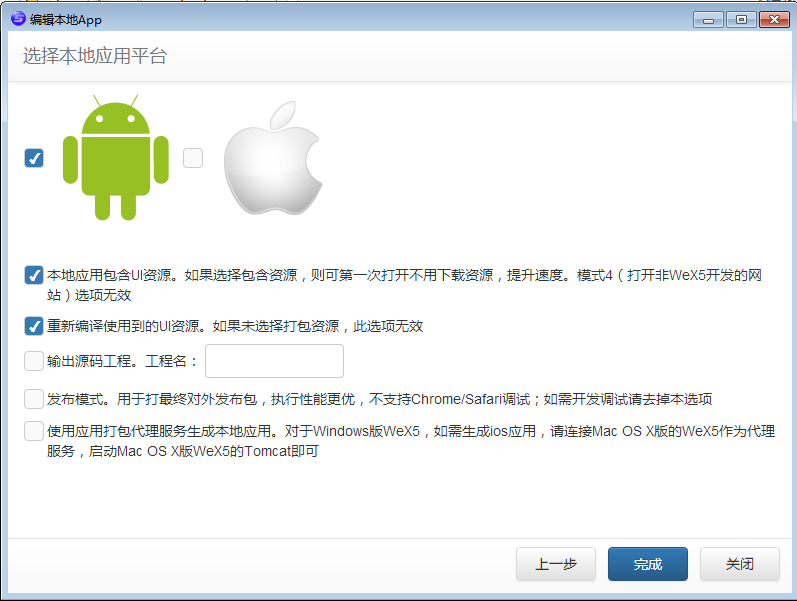
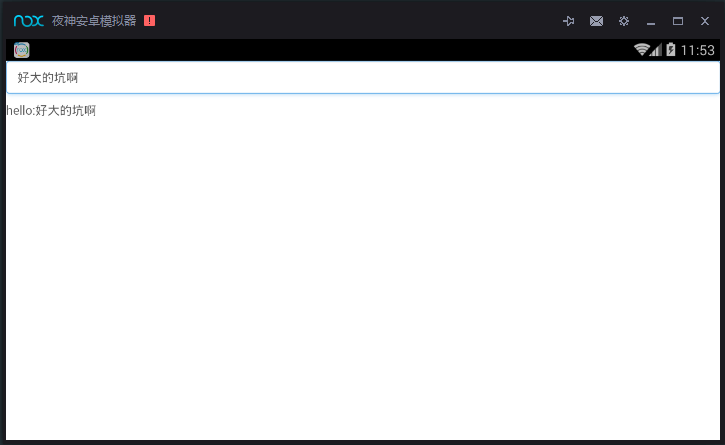
执行后,访问无压力
更新列表:
- 2016-5-18 添加引用:UI2前端框架基础01:应用和页面
参考文章:
相关阅读